Chicken Pirate APK — Safe Ways to Play on Android, iOS, and Desktop
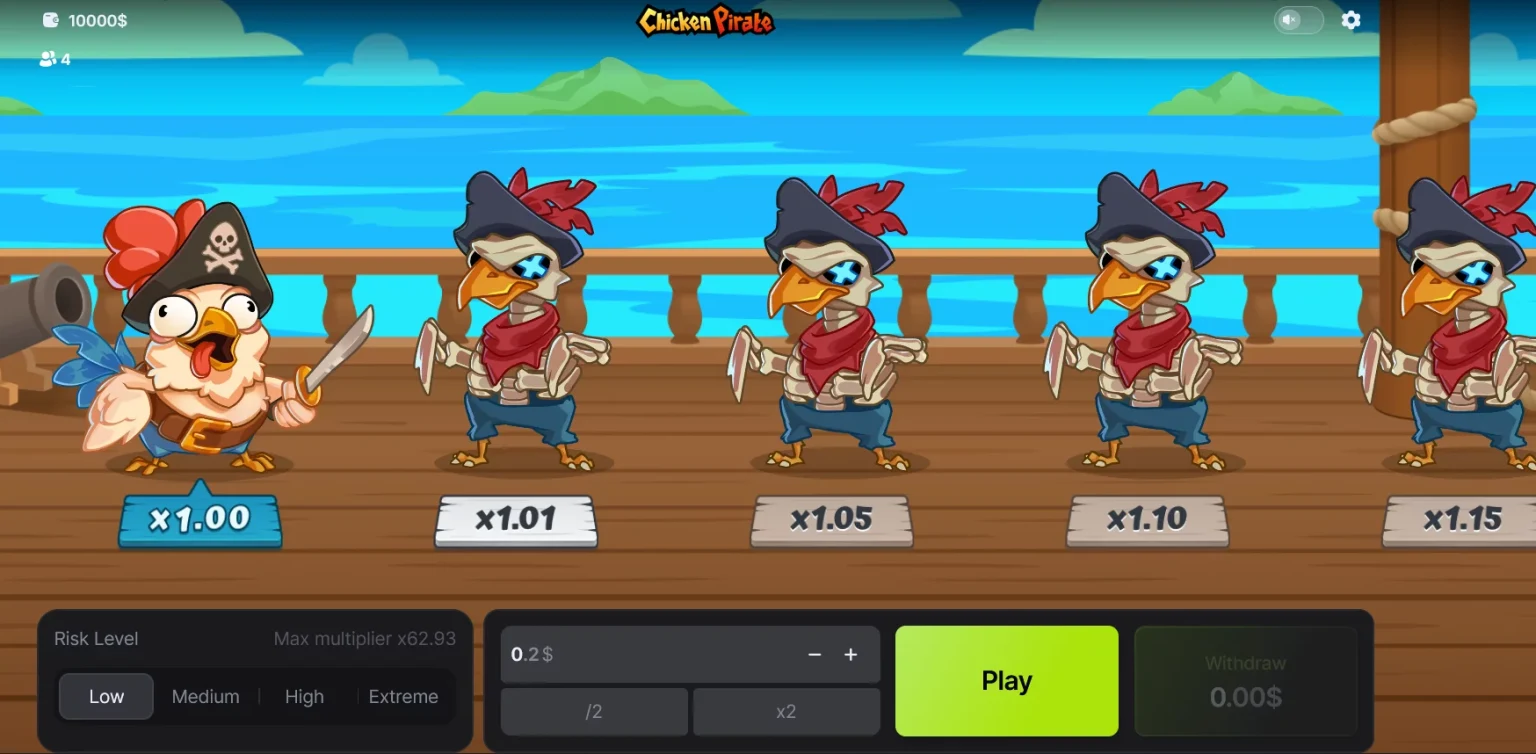
Looking for a Chicken Pirate APK? Here is the straight answer: the 100HP title runs in your browser as an HTML5 casino game and is launched from operator lobbies; the developer’s official page presents a web demo, not a downloadable Android package. If you see “Chicken Pirate APK” on third-party file sites, it is typically an unrelated app or a repackaged product. The safest route is to play via licensed casino sites and, if you want an app-like feel, add the game page to your home screen on Android or iOS.
Is there an official Chicken Pirate APK?
No official Android package has been announced for the 100HP casino game. The developer showcases a web build and demo on its site, and major operator catalogs host a browser-based tile with a Demo/Play button. APK files you find on generic download portals usually belong to unrelated mobile games that share the “Chicken Pirate” name.
| Option | What you actually get |
| Play in browser (official route) | Immediate access in HTML5, no download |
| Android: “Install app” / Add to Home Screen | App-like icon that opens the same web game |
| iOS: Add to Home Screen | Icon that launches a clean, app-style window |
| Desktop: Install site as app | Dedicated window with no browser chrome |
| APK from third-party sites | Often a different “Chicken Pirate” game, not 100HP’s casino title |
| Operator catalogs with demo | Launch “Demo” or “Play Now” directly in browser |
How to create an app-like icon on Android
Method A — Install app (when offered)
Open the casino’s Chicken Pirate page in Chrome, tap the menu, and choose Install app. This creates a launcher icon and opens the game in a standalone window. Content and updates still come from the website.
Method B — Add to Home Screen
Open the game page, tap the Chrome menu, select Add to Home Screen, and confirm. You get the same app-style icon without downloading an APK.
How to add Chicken Pirate to iOS Home Screen
Open the casino page in Safari, tap Share, select Add to Home Screen, and confirm. Launching the icon opens the same browser build in a tidy, app-like view.
Desktop quick setup
In Chrome or Edge, open the Chicken Pirate page, then use Install page as app (or Create shortcut → Open as window). You get a distraction-free window while keeping the official web version.
How to verify you are launching the genuine 100HP game
- Look for the provider filter set to 100HP or 100HP Gaming in the casino library; Chicken Pirate appears under that catalogue with a “New”/“Demo” tile at several operators.
- Open the game info/help panel and check the supplier name and version notes.
- Prefer lobbies connected to known aggregators; in June 2025, Hub88 announced a distribution deal for 100HP’s instant/crash titles, which explains why the tile appears across multiple brands.
Safety checklist
- Avoid third-party APKs that are not from the developer; many are different games using the same title string.
- Play via licensed casino sites that publish licence and responsible-play information.
- Use the demo first to read the in-game rules and check region-specific details like RTP and bet ranges on the info panel.
- If you want an “installed” feel, use Add to Home Screen rather than seek an APK.
FAQ
Can I download a legitimate Chicken Pirate APK from 100HP?
There is no official APK for the casino version. The developer presents a browser build and demo; operators embed the game directly in their lobbies.
Why do I see APKs on app portals?
They are different games with the same or similar name from other developers. They are not the 100HP casino title.
Where can I play the authentic Chicken Pirate?
In the browser, via licensed casinos that list 100HP in their provider filter; many show a Demo/Play button right on the tile.
Is a separate app better than the browser version?
For this title, no. The browser build is the official version, receives server-side updates, and can be launched from a home-screen icon on Android/iOS without installing extra files.